
DeepSeek-TUI
 杏川铭心
杏川铭心
目前 DeepSeek V4 的表现其实非常不错,奈何市面上的 Agent 工具都是为诸如 Claude、GPT 这样的模型优化的,直接把 DeepSeek 套进去的表现往往不尽如人意。好在现在国外有个老哥开发了 DeepSeek-TUI,和 Claude Code 一样,也是 Agent 工具,而且是针对 DeepSeek 模型优化过的。不仅如此,这位老哥还对中国互联网进行了优化,明确表示会支持使用那些中国用起来很顺畅的东西,比如 cargo。虽说很感动,但是既然都做到这份上了为什么还要把二进制发布在 GitHub 上面呢……哦原来是 Gitee 要实名认证啊那没事了
安装
命令行安装
提供了非常多的安装方式,摘抄自官方 GitHub 仓库:
# 1. npm — easiest if you already use Node. The package downloads the
#    matching prebuilt Rust binaries from GitHub Releases.
npm install -g deepseek-tui

# 2. Cargo — no Node needed.
cargo install deepseek-tui-cli --locked   # `deepseek` (entry point)
cargo install deepseek-tui     --locked   # `deepseek-tui` (TUI binary)

# 3. Homebrew — macOS package manager.
brew tap Hmbown/deepseek-tui
brew install deepseek-tui

# 4. Direct download — no package manager or toolchain.
#    https://github.com/Hmbown/DeepSeek-TUI/releases
#    Prebuilt for Linux x64/ARM64, macOS x64/ARM64, Windows x64.

# 5. Docker — prebuilt release image.
docker run --rm -it \
  -e DEEPSEEK_API_KEY \
  -v "$PWD:/workspace" \
  ghcr.io/hmbown/deepseek-tui:latest
直接下载
直接下载二进制然后放进 Path 也是可以的,因为 DeepSeek-TUI 的本体是一个自包含的 Rust 程序,不需要额外安装 Node.js 和 Python。
可以在这里下载:Releases · Hmbown/DeepSeek-TUI
以 Windows 平台为例,下载后缀为 windows-x64.exe 的文件,注意 deepseek-windows-x64.exe 和 deepseek-tui-windows-x64.exe 都要下载,前者是实际负责干活的,后者只是个界面,缺一不可。
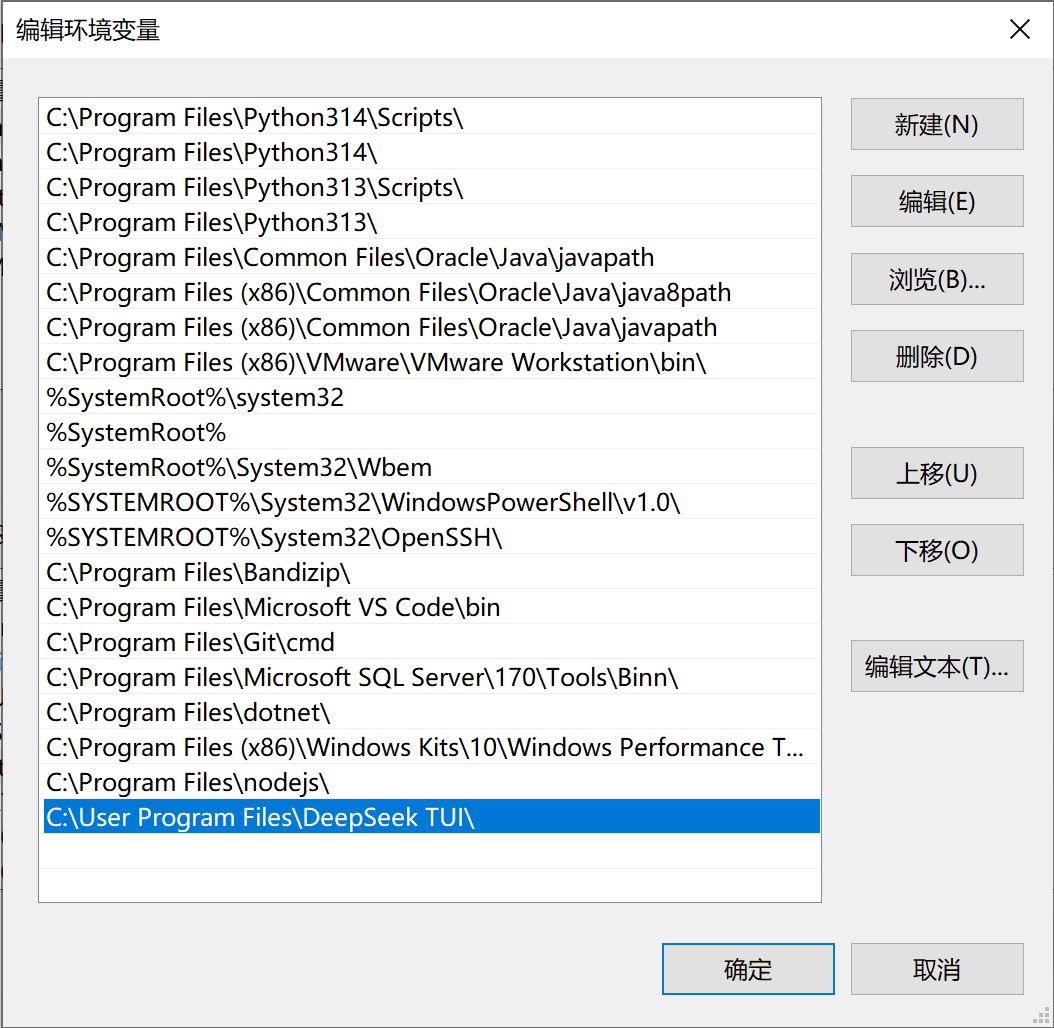
然后扔进 Path。
使用
使用上和别的终端 Coding Agent 工具差不多,直接 cd 到对应目录然后敲 deepseek-tui 打开就行了。
第一次使用,会提示输入 API Key,不会创建的参考上一篇文章 DeepSeek 接入 GitHub Copilot 前半段。忘记截图了,好在流程很简单,应该不会有太多问题……
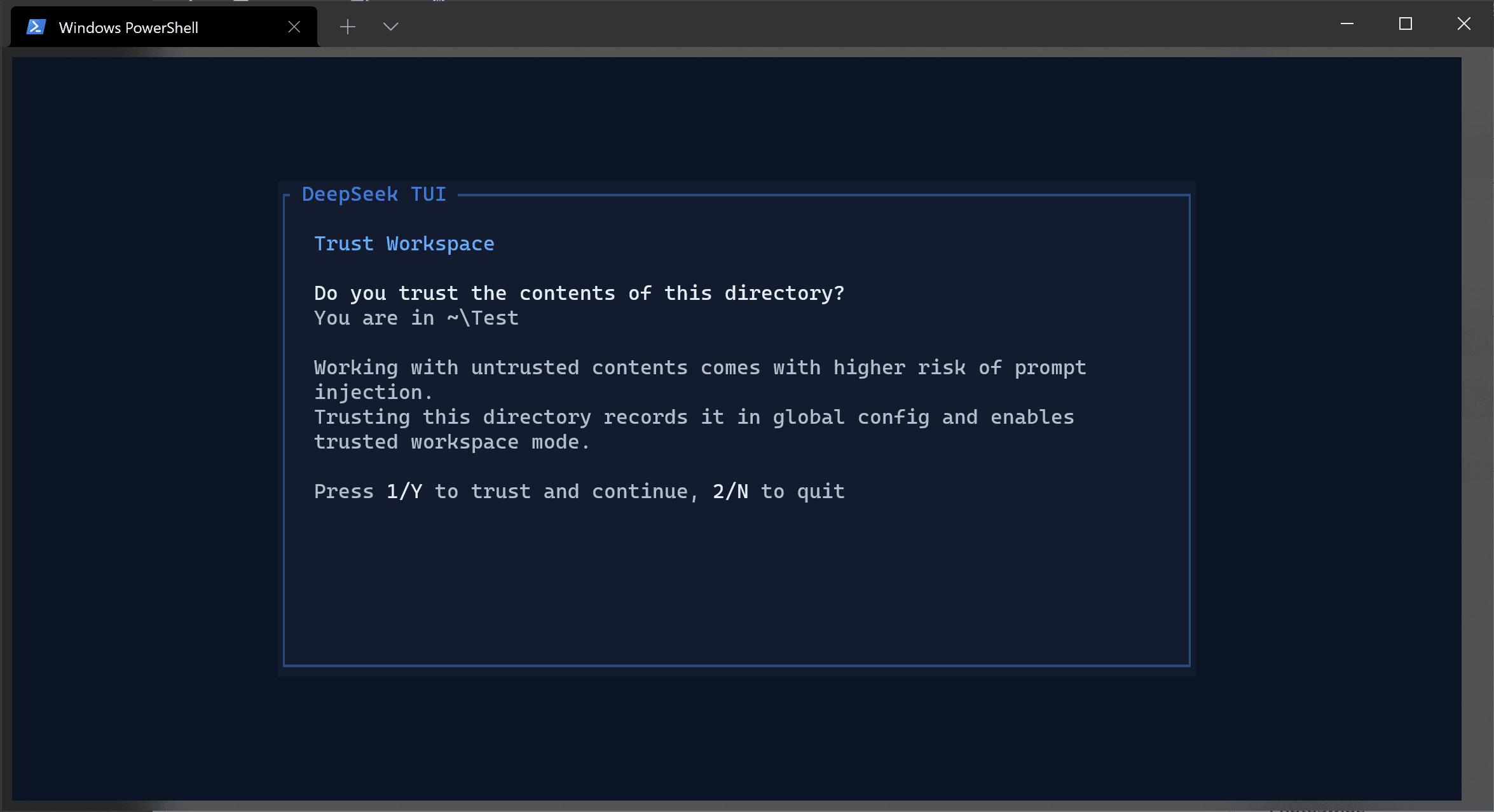
然后就是提示你要不要信任当前工作区,按 1 或者 Y 进行信任。
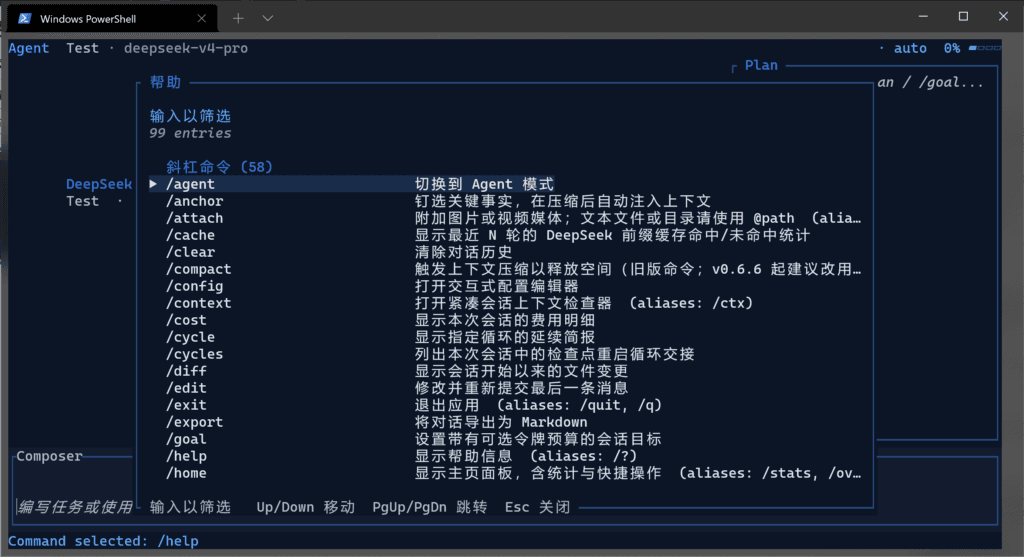
接下来就到了聊天界面了,使用体验和其他工具大差不差,也可以敲斜杠命令。
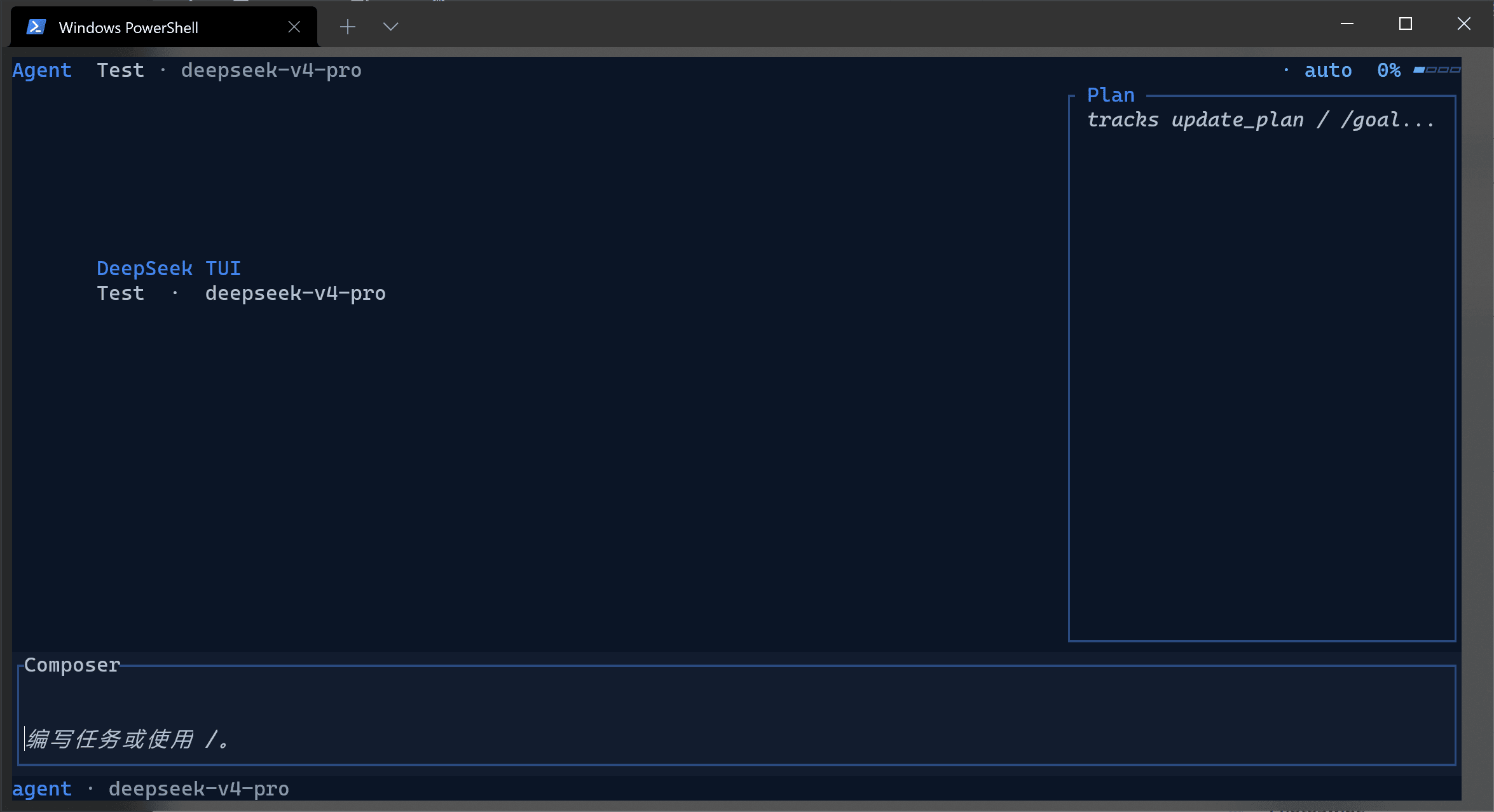
按 Tab 键可以在 Plan、Agent、和 YOLO 模式中切换,其中 YOLO 模式就是完全让 AI 撒手干的模式,会开放系统上所有的权限给 AI。
再写的话恐怕要变成水字数了 ,总之玩的开心~